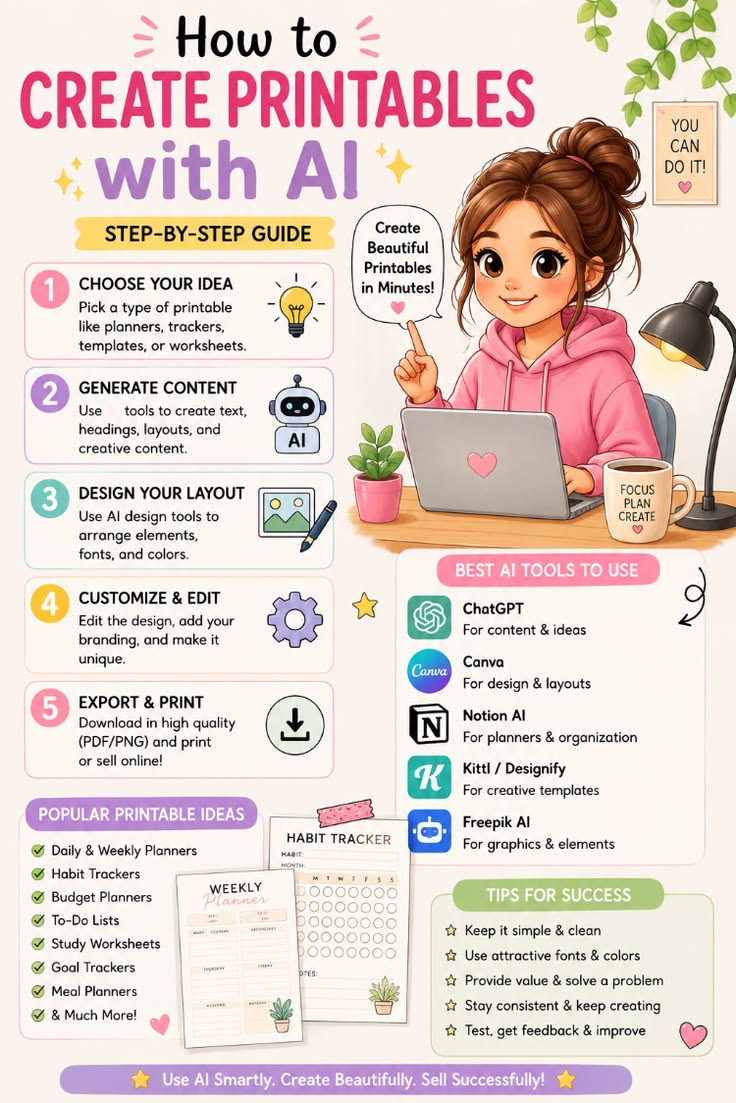
Want to make beautiful printables in minutes? 🕐💫 With the right AI tools, anyone can go from idea to sellable digital product — no design degree required! Here’s your step-by-step guide 👇
🪄 Step-by-Step Guide
1️⃣ Choose Your Idea 💡
Pick a type of printable — planners, trackers, templates, or worksheets. Start with something you’d actually use yourself! 📝
2️⃣ Generate Content 🤖
Use AI tools to whip up text, headings, layouts, and creative copy in seconds. ⚡
3️⃣ Design Your Layout 🖼️
Bring in AI design tools to arrange elements, pick fonts, and choose colors that pop. 🎨
4️⃣ Customize & Edit ⚙️
Add your own branding and personal touches to make it uniquely you. ⭐
5️⃣ Export & Print 📥
Download in high quality (PDF/PNG) — then print it yourself or sell it online! 💰🖨️
🛠️ Best AI Tools to Use
- 🤖 ChatGPT — content & ideas
- 🎨 Canva — design & layouts
- 📓 Notion AI — planners & organization
- ✏️ Kittl / Designify — creative templates
- 🖌️ Freepik AI — graphics & elements
💡 Popular Printable Ideas
✅ Daily & Weekly Planners ✅ Habit Trackers ✅ Budget Planners ✅ To-Do Lists ✅ Study Worksheets ✅ Goal Trackers ✅ Meal Planners ✅ & so much more! 💕
🌟 Tips for Success
🌟 Keep it simple & clean 🌟 Use attractive fonts & colors 🌟 Provide value & solve a problem 🌟 Stay consistent & keep creating 🌟 Test, get feedback & improve