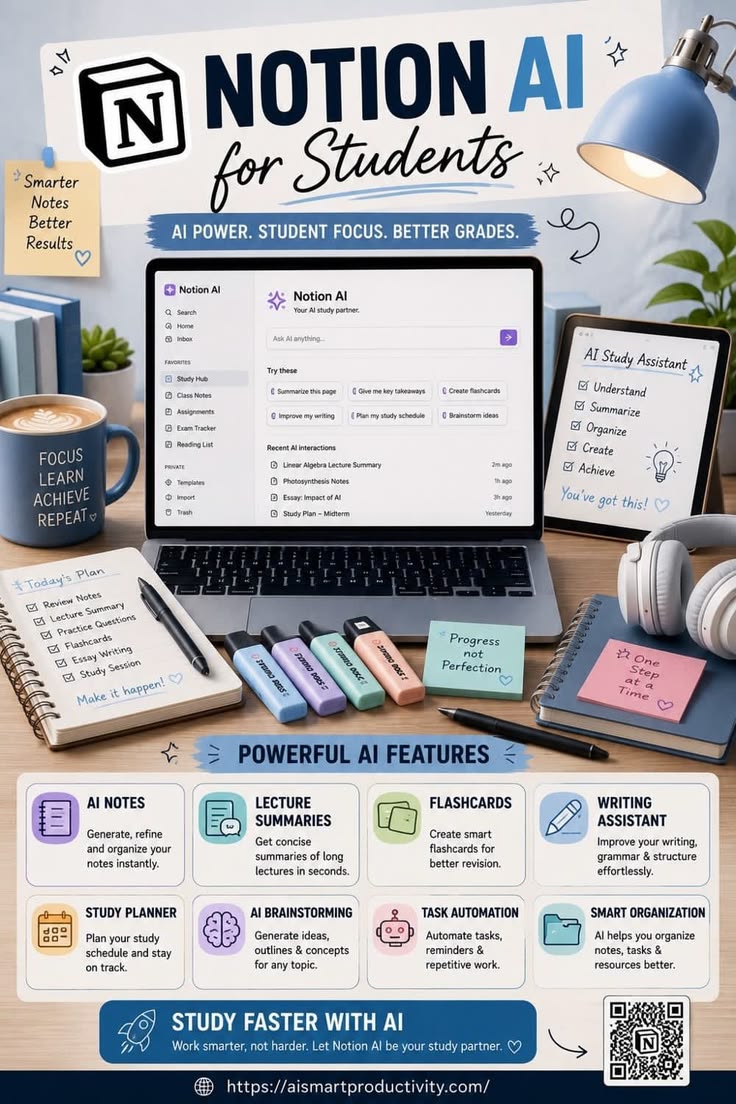
Step 1: Set Up Your Workspace
Download & Open Notion: Access Notion via desktop app, web browser, or mobile device.
Organize Your Study Hub: Create pages in the sidebar for your core needs:
Class Notes: Dedicated sections for each subject.
Assignments & Exam Tracker: Databases to log upcoming deadlines and test dates.
Reading List: Save articles, PDFs, and chapters to review.
Step 2: Use AI for Smart Note-Taking & Summaries
Open any page containing lecture notes, transcripts, or long readings.
Press
Spaceor type/aito open the Notion AI prompt box.Select presets like “Summarize this page” or “Give me key takeaways” to turn lengthy readings into concise bullet points in seconds.
Step 3: Turn Notes into Active Recall Study Tools
Select a block of text from your lecture notes.
Prompt Notion AI to “Create flashcards” or “Generate practice questions.”
Review these generated questions daily to test your memory and active recall before exams.
Step 4: Streamline Writing & Assignments
Highlight your draft essay, paper, or response.
Use “Improve my writing” to fix grammar, refine tone, improve sentence structure, or clarify complex arguments.
If you have writer’s block, use “Brainstorm ideas” or request an essay outline for any topic to get started.
Step 5: Plan and Automate Your Schedule
Open your Study Planner page.
Prompt the AI with “Plan my study schedule” based on your upcoming exam dates and topic priorities.
Use task automation features to set reminders, track study progress, and keep resources neatly categorized.
How Notion AI Helps Students
Saves Time on Long Readings: Lecture Summaries distill hours of lecture transcripts or pages of complex academic text into key concepts within seconds.
Boosts Exam Retention: Automatically generating Flashcards and practice questions encourages active recall, one of the most effective study methods for long-term memory.
Elevates Writing Quality: The Writing Assistant acts as a 24/7 proofreader and editor, improving grammar, vocabulary, and paragraph structure effortfully.
Overcomes Writer’s Block: AI Brainstorming produces quick outlines, project concepts, and topic ideas so students don’t have to start from a blank page.
Reduces Academic Stress: Built-in Study Planners and Smart Organization keep assignments, tasks, and deadlines organized in one central location, helping students avoid last-minute cramming.